
Help and policies
Terms of use
Last updated November 13, 2026
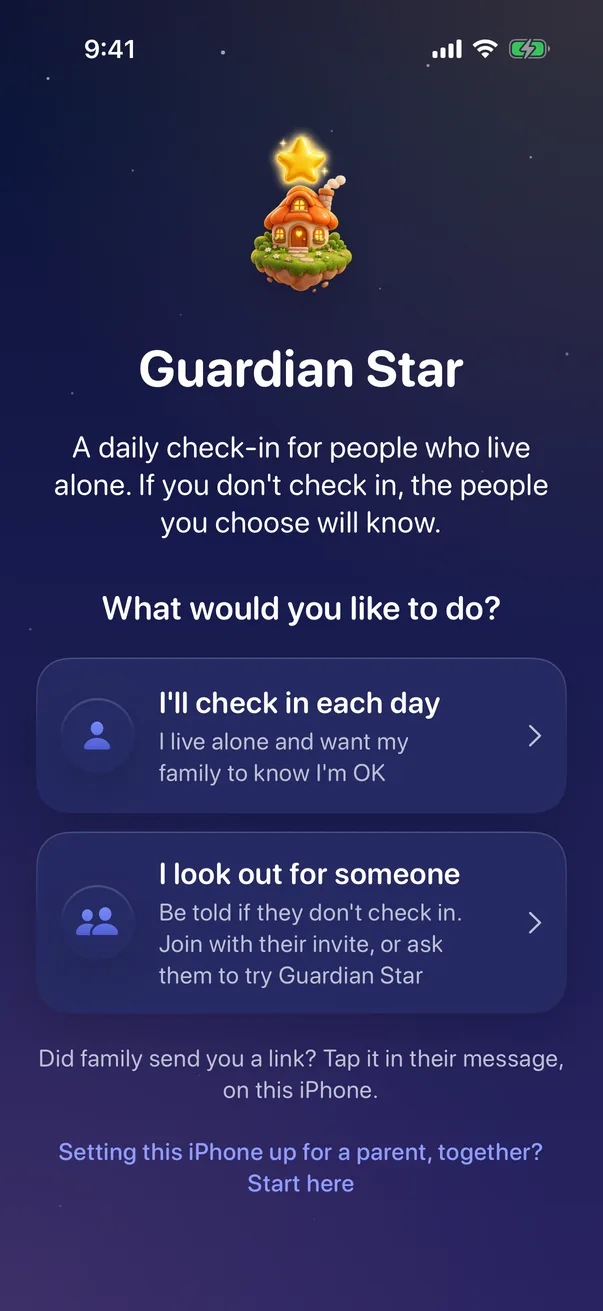
These terms cover the Guardian Star app, its server, and Guardian Star Plus's texts, calls and emails. They are an agreement between you and Guardian Star LLC ("we"), a New Jersey limited liability company owned by Tomasz Wisniewski, which runs Guardian Star. The app is also licensed to you under Apple's standard license agreement. Until Apple moves Guardian Star's developer account to Guardian Star LLC, the App Store shows Tomasz Wisniewski as its seller. When you set up Guardian Star, the app asks you to agree to them (Before you start), and using Guardian Star means you agree to them. If you don't agree, please don't use it. Agreeing to them doesn't sign anyone up for texts: only joining does.
Please read: what Guardian Star is not
Guardian Star is a daily check-in. It helps you keep an eye out for each other, but it can't keep anyone safe on its own.
- It is not an emergency service, a medical device, or a monitoring or alarm service. It can't detect falls, injuries, illness or emergencies, and it never calls 911 or any emergency service. It tells only the people on someone's list: in the app, and with Guardian Star Plus by text, automated call or email, once they've joined or said yes.
- Alerts can be late or never arrive. Guardian Star depends on iPhones being on, charged and connected, on iOS letting it run, on Apple's notifications, on phone networks and the internet, and on our servers and the services we use (Apple, Cloudflare, Telnyx, Resend). Any of them can fail, be late or stop without warning.
- A check-in doesn't mean someone is OK. It only means their iPhone noticed them moving about or using it, or that they answered (I'm OK, the widget, Siri or the alarm). A missed check-in doesn't mean something is wrong.
- Don't rely on it alone. Guardian Star is one more way to keep in touch, never the only one. Keep calling and visiting. For someone at risk of falls or medical emergencies, use a service made for that, like a medical alert button or a monitored alarm, and talk with their doctor.
- In an emergency, call 911.
Your part
Guardian Star works best when you:
- keep the iPhone charged, switched on and connected, with Guardian Star's notifications allowed (and Time Sensitive Notifications on);
- keep Background App Refresh on, and don't swipe Guardian Star away in the app switcher;
- run a test from the app after setting it up and after changing anything, and keep the list of who is told up to date;
- if you're on someone's list, keep Guardian Star's notifications on, and answer an alert.
Things you set or change on your iPhone, or that iOS or your phone carrier changes, can stop Guardian Star from working as it should, and we can't always know or tell you.
Who can use it
You must be 18 or older to use Guardian Star. Use it only for yourself, or for someone who knows about it and agrees.
Guardian Star Plus
Plus is an auto-renewing subscription, bought in the App Store and paid with your Apple Account. It renews unless you turn it off at least a day before the end of the period, in your iPhone's Settings, your name, Subscriptions. Refunds are handled by Apple.
Guardian Star check-in texts and calls
- What they are: with Guardian Star Plus, Guardian Star texts family members who have joined (see Joining, below) about someone who checks in daily: if that person misses a check-in, as each step of the alert goes out (with an automated phone call that reads it out, as they're told, at any hour), when someone is on it or it's resolved, if that person's battery is low or phone may have died, and, if you want it, a short text at each check-in time when all is well (once a day for most people). Calls come only to numbers that joined when Guardian Star said so, or that it told by text first. Family who use the Guardian Star app can turn the calls off on that person's page.
- Joining: the texts are optional, and nobody gets them without asking. You join by texting JOIN to +1 (844) 326-5817 from your own phone, after someone who uses Guardian Star invited you. Joining isn't a condition of using Guardian Star, of being on someone's list, or of buying anything: family can be told in the Guardian Star app or by email instead.
- How often: message frequency varies: usually one text a day (one at each check-in time for someone who checks in more than once a day), more if a check-in is missed.
- Cost: message and data rates may apply.
- Stopping: reply STOP to stop all texts and calls, DAILY to stop just the all-is-well texts, or NOCALLS to stop just the calls. Reply START to start again, and HELP for help.
- Carriers are not liable for delayed or undelivered messages.
- Questions: support@guardianstar.app. How we handle numbers: privacy policy. More about the texts: Guardian Star's texts.
Guardian Star check-in emails
- What they are: with Guardian Star Plus, Guardian Star can email the family of someone who checks in daily: if they miss a check-in, as each step of the alert goes out, when someone is on it or it's resolved, if their battery is low or their phone may have died, and, if you want them, a short email at each of their check-in times to say they've checked in.
- Joining: Guardian Star emails an address once to ask, after someone who uses Guardian Star added it, and sends nothing more unless its owner says yes on the page that email links to.
- Stopping: every email has a link that stops all of Guardian Star's emails to that address, invites included; the check-in emails also have one that stops just those. More: Guardian Star's emails.
Fair use
Only add people who know you're adding them, and only numbers and email addresses that are theirs. Don't use Guardian Star to bother anyone or for anything unlawful.
No warranty
Guardian Star is provided as it is. As far as the law allows, we aren't liable for any harm from using it, or from a check-in, alert, text, email or call that didn't arrive or arrived late.
Changes
If these terms change, the new version will appear on this page, with the date it changed, and the app may ask you to agree to it again.