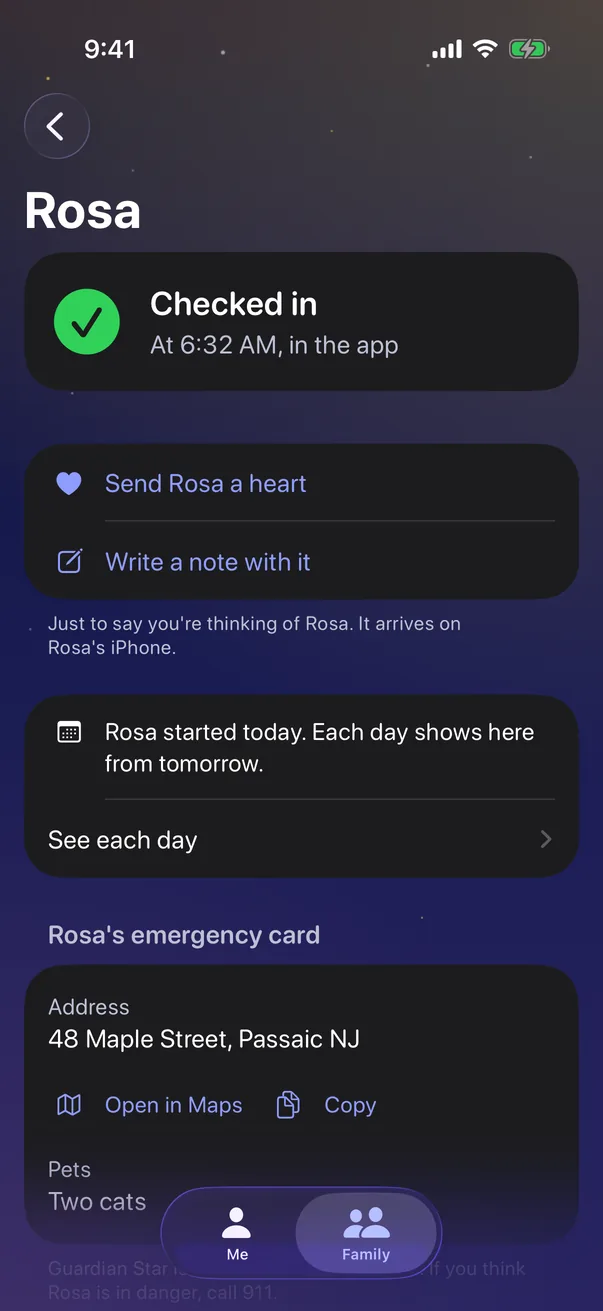
Set it up for someone
You do the setting up. They tap one link.
Looking out for a parent, a friend, a neighbor? Choose their check-in time and who's told, then send them one link. They tap it, get Guardian Star, open it, and it's all there: they tap Yes, start, allow what Apple asks, and they're set. No codes, nothing to figure out.
On your iPhone
Everything is chosen for them.
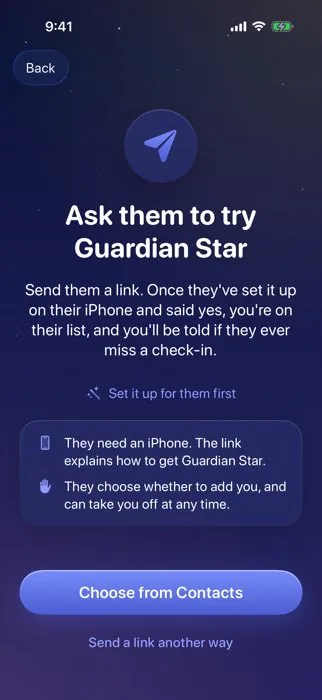
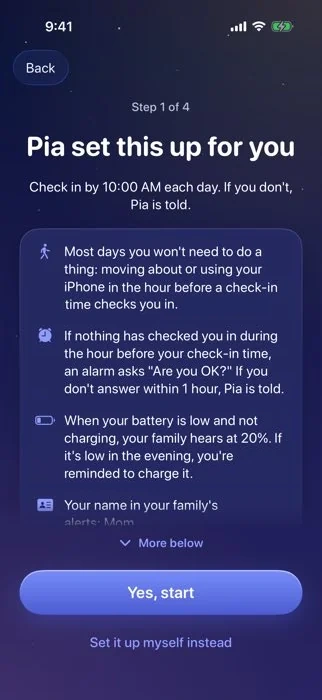
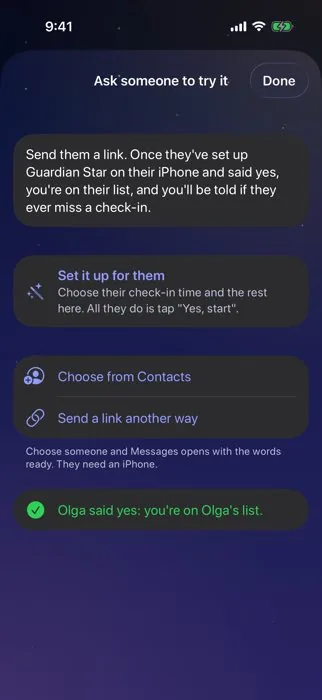
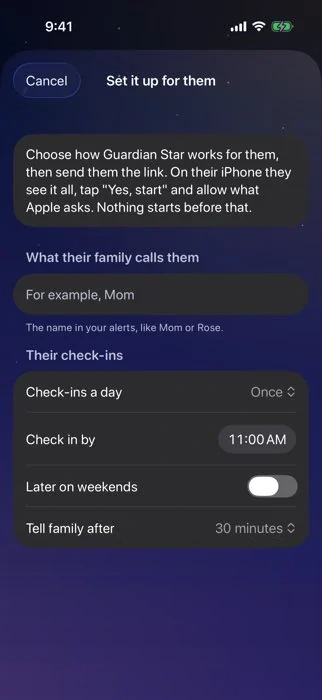
In Guardian Star, tap I look out for someone, then They don't have Guardian Star yet? Ask them, then Set it up for them first. Already using it? In Family, tap Ask someone to try Guardian Star, then Set it up for them. Then choose everything the way they'd want it.
- What their family and friends call them, like Sam or Grandpa.
- Their check-ins: once, twice or three times a day, at their times, and later on weekends if they like.
- How long to wait before you're told.
- When you're told their battery is low, and a reminder for them to charge it.
- Their emergency card, if you like: where they live, how to get in, and someone nearby.
- Who is told: you first, then your family circle, if you're in one.
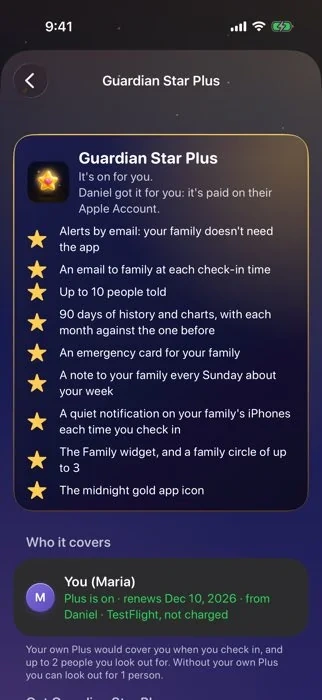
- Paying for them? Get Guardian Star Plus right there: it covers you and the people you look out for, them included as soon as they say yes.
On their iPhone
One link does it all.
Your message has one link. They tap it, then Get Guardian Star, and once it's installed, they open it: what you set up is waiting. iOS asks them once to let Guardian Star paste the link: Allow Paste. No code to type, nothing to find.
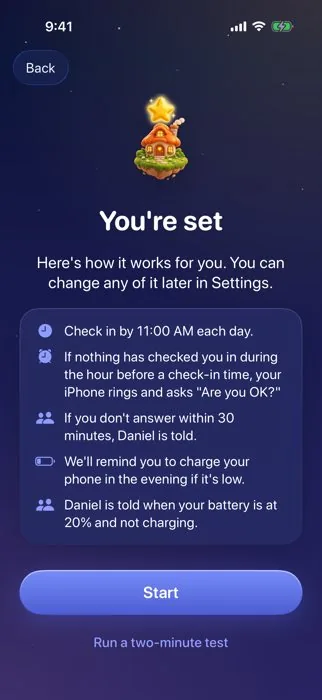
- They see it all, and tap Yes, start. Nothing starts before that, and they can change any of it later in Settings.
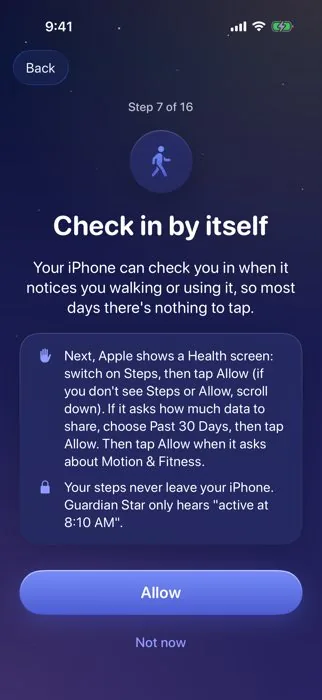
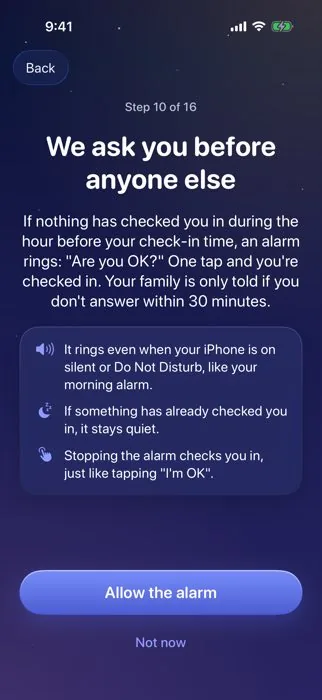
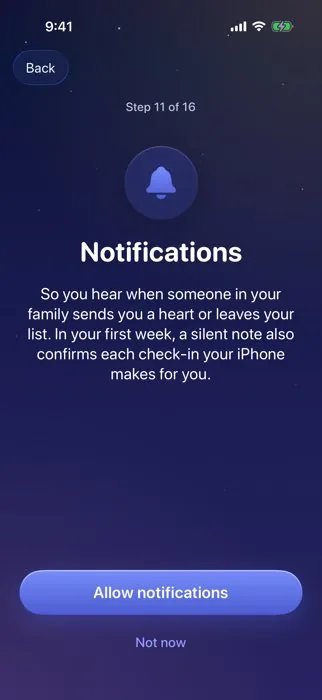
- Then they allow what Apple asks: their steps, the alarm, notifications. That's all.
- Not there when it opens? They tap the link again, or Open my setup on its page.
- You're on their list as soon as they say yes. If you added your family circle or wrote their emergency card, your Family screen then asks you to confirm it was really them: only then are they theirs.
- Sitting together? On their iPhone, tap Setting this iPhone up for a parent, together? At the end, scan the QR code it shows with your own iPhone's Camera.
Free, for iPhone
Set it up tonight.
It takes about five minutes. They tap your link, open Guardian Star, and say yes.
More of what it does
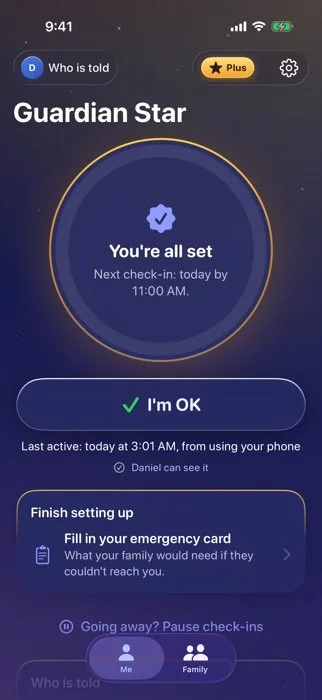
- The daily check-inBy itself most days: moving about, or using the iPhone.
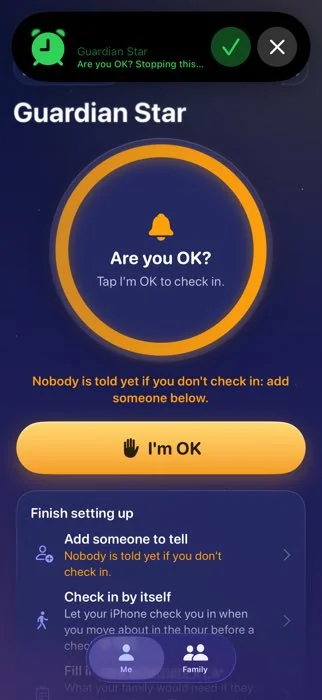
- If they don’t answer“Are you OK?” first, then who is told, and when.
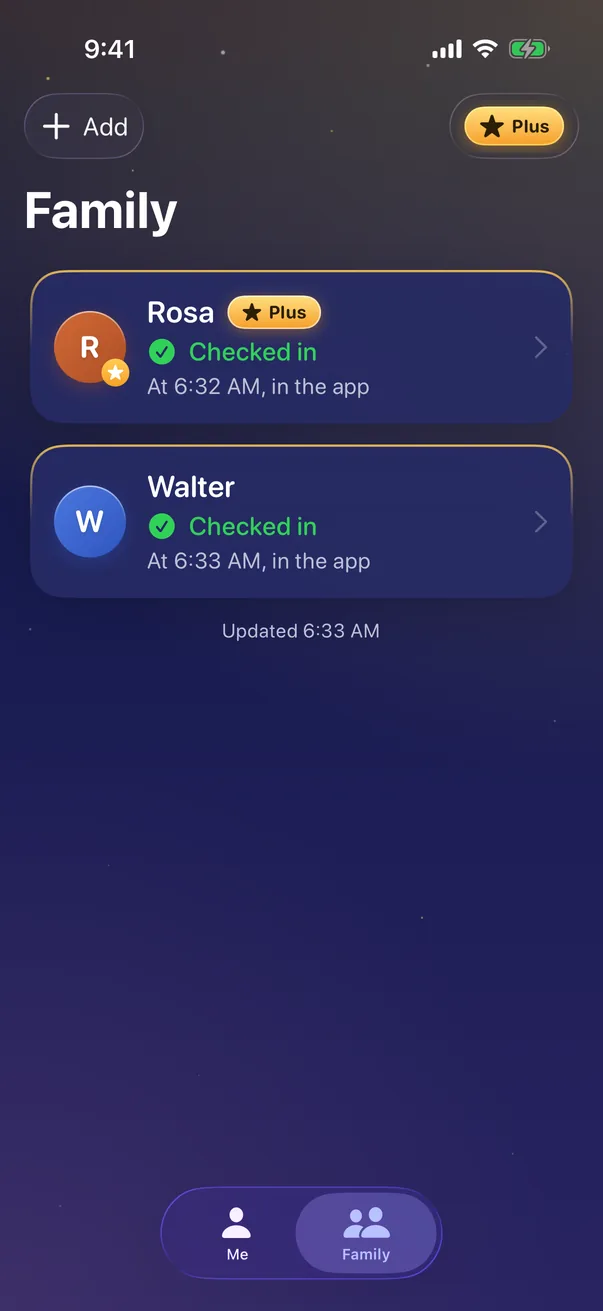
- For familyThe alert, “I’m on it”, the Lock Screen, hearts.
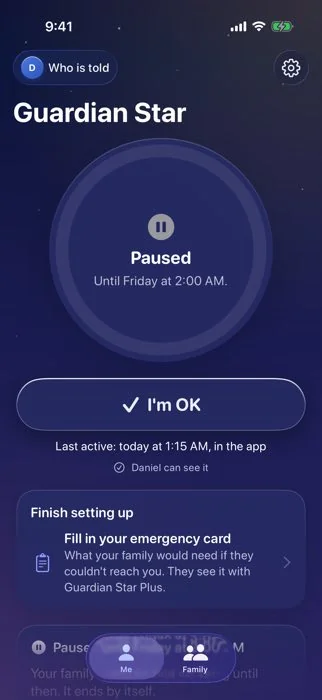
- Going awayPause check-ins, and say until when.
- The emergency cardTheir address, how to get in, who’s nearby. With Plus.
- Free and PlusWhat’s free, and what Plus adds.
- Looking out, not watchingNo account, no ads, never their location.