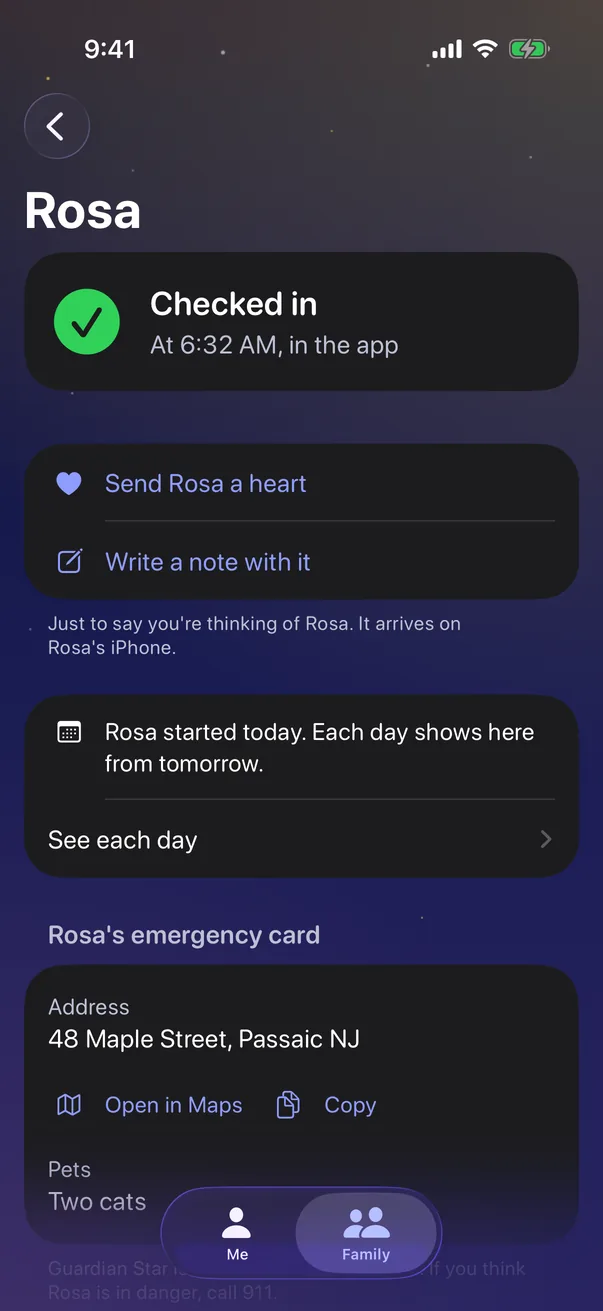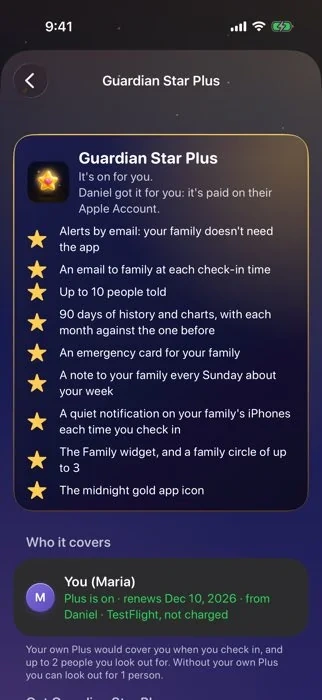
If a check-in is missed
If you don't answer, your people know. In order.
You choose the time, and how long to wait. Then the first person on your list, and everyone else an hour later, so nobody's alarmed for nothing, and everyone who's told can see who's on it.
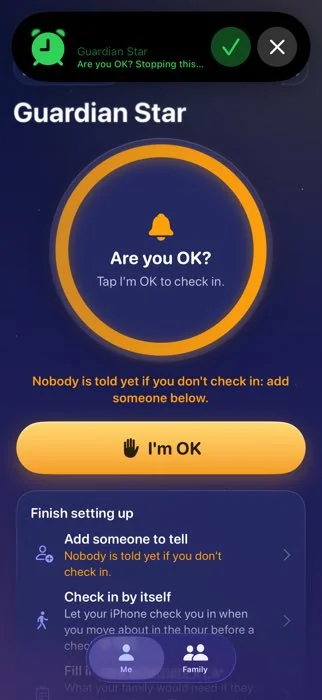
Your times
See when each person is told.
Choose a check-in time and the wait, as you would in setup, and see what happens on a morning nothing checks you in.
If you don't answer
One person first. Then everyone. Then urgent.
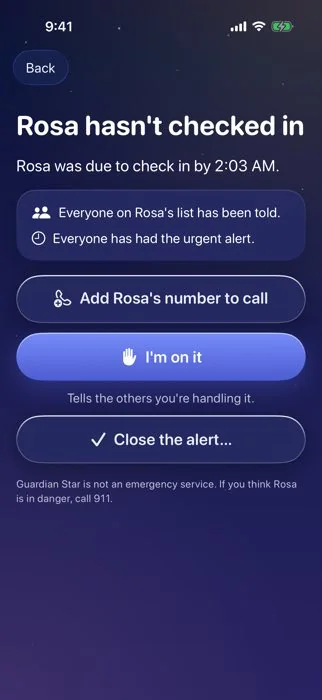
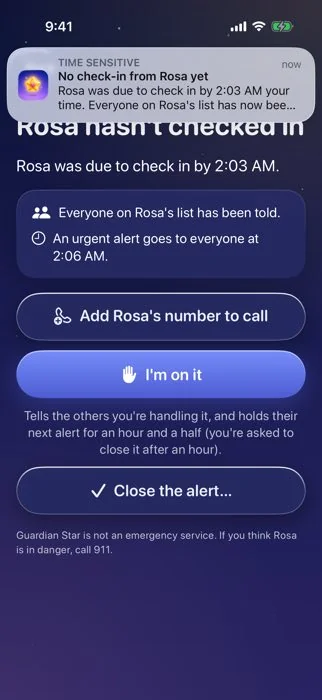
After the wait you chose (15 minutes to 2 hours), the first person on your list is told, with your last sign of life and your battery. An hour later, everyone else. Half an hour after that, everyone again, marked urgent.
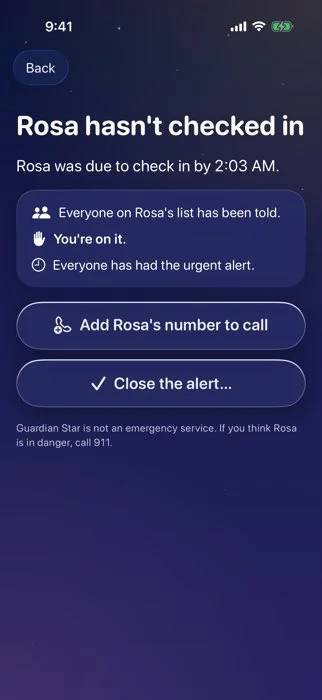
- Whoever is calling you taps I'm on it: the steps to the others are held, and everyone who's told sees who's handling it.
- An hour later, the person on it is reminded to close the alert if all is well. Still open half an hour after that? The others are told.
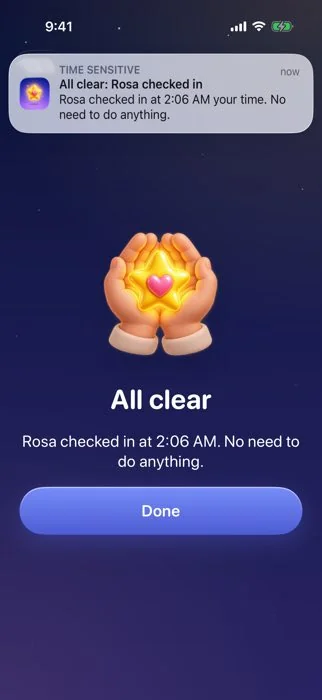
- You check in, or someone closes the alert: it all stops, and everyone who was told hears all is well.
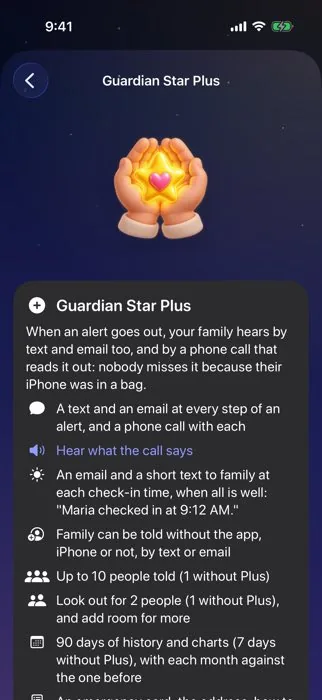
With Guardian Star Plus
A phone call, the moment they're told.
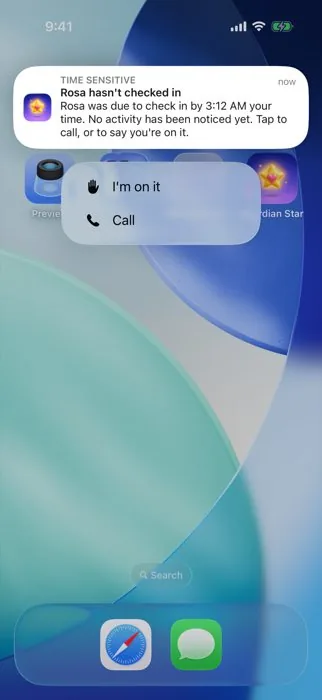
Family and friends who get Guardian Star's texts can be called too: an automated call that reads the alert out, as they're told, at any hour, after the wait you chose.
- Only numbers that agreed to calls, and they can stop them at any time (NOCALLS).
- Never for a test run, and never for a low battery.
- Guardian Star never calls 911: if someone may be in danger, call 911 yourself.
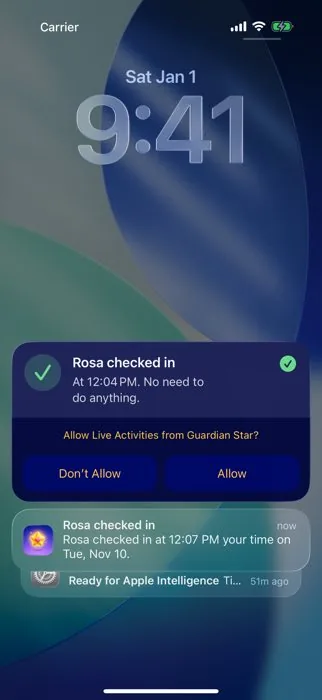
Live on the Lock Screen
Follow it at a glance.
Open an alert in Guardian Star once, and a live tracker on your Lock Screen follows it: what happens next, when, and who's on it, to the all clear.
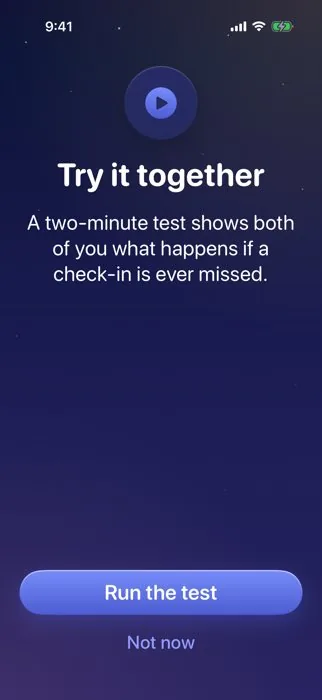
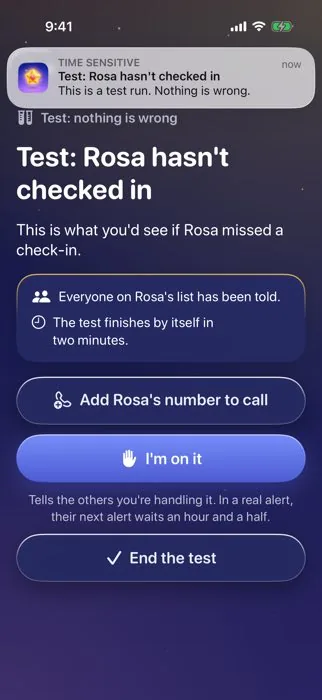
Try it, any time
See it for yourself, in two minutes.
Once it's set up, start a test run: in about two minutes, everyone on your list sees each step of an alert, marked as a test. Nobody needs to do anything.
More of what it does
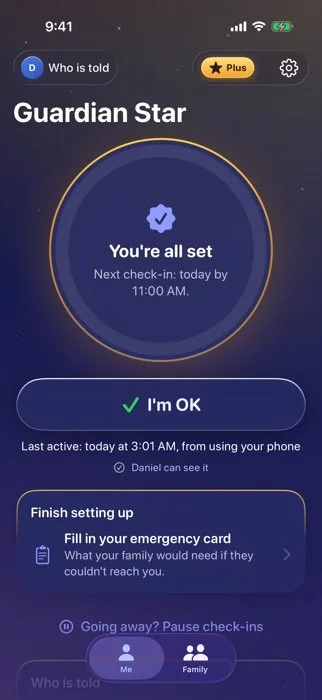
- The daily check-inBy itself most days: moving about, or using the iPhone.
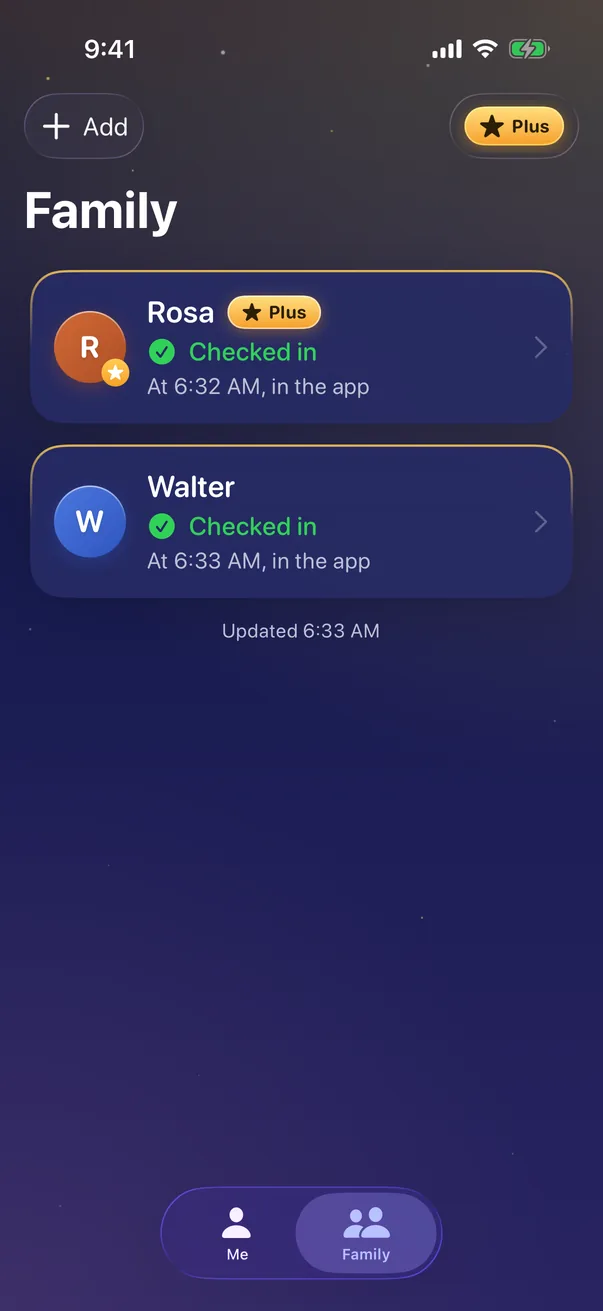
- For familyThe alert, “I’m on it”, the Lock Screen, hearts.
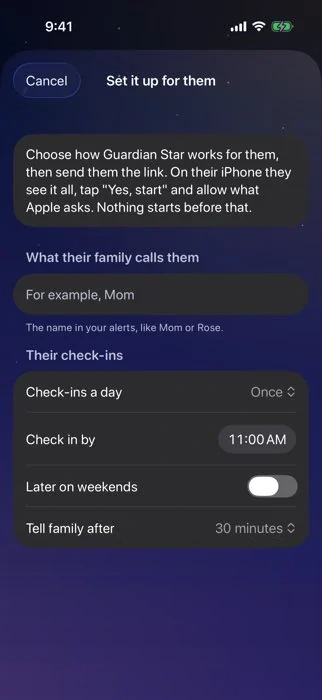
- Set it up for someoneOne link: they open it and say yes.
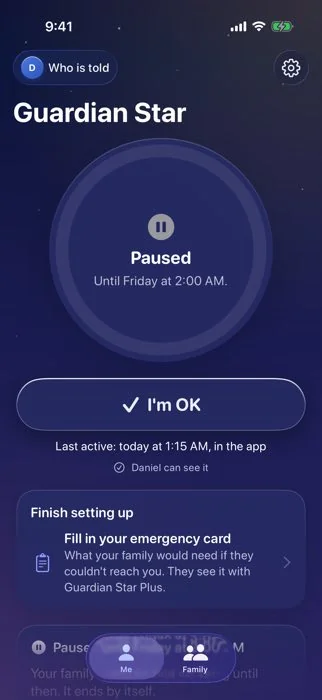
- Going awayPause check-ins, and say until when.
- The emergency cardTheir address, how to get in, who’s nearby. With Plus.
- Free and PlusWhat’s free, and what Plus adds.
- Looking out, not watchingNo account, no ads, never their location.