How it works
Your day, with Guardian Star.
Checked in by itself on most days. Asked first, gently, on the days nothing has. The people you choose are told only if you don't answer.
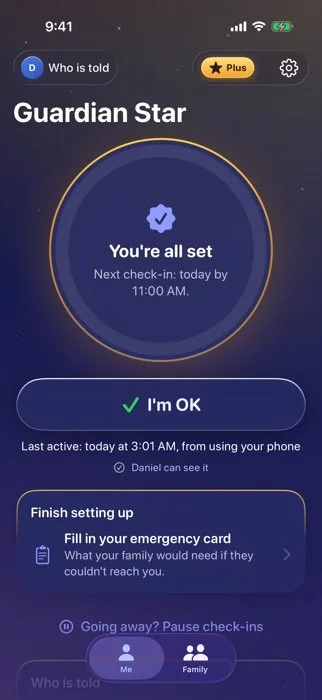
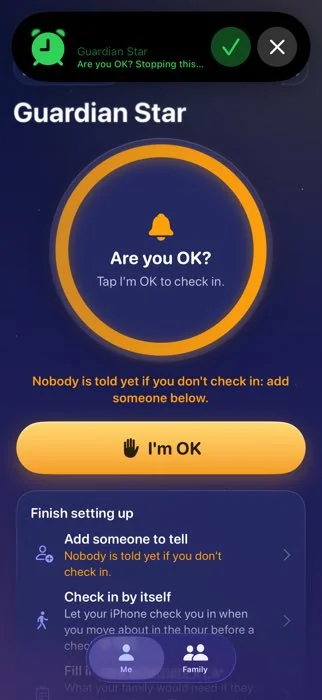
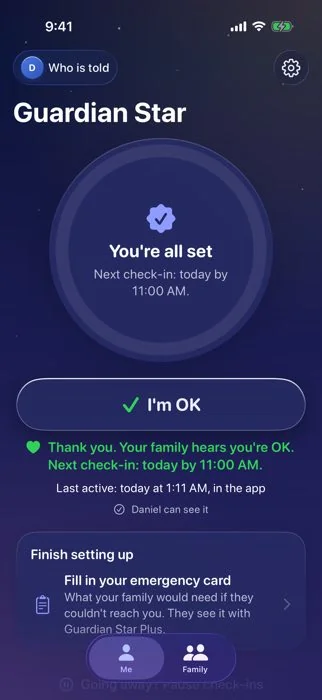
Checking in, by itself
Most days, you won't even open it.
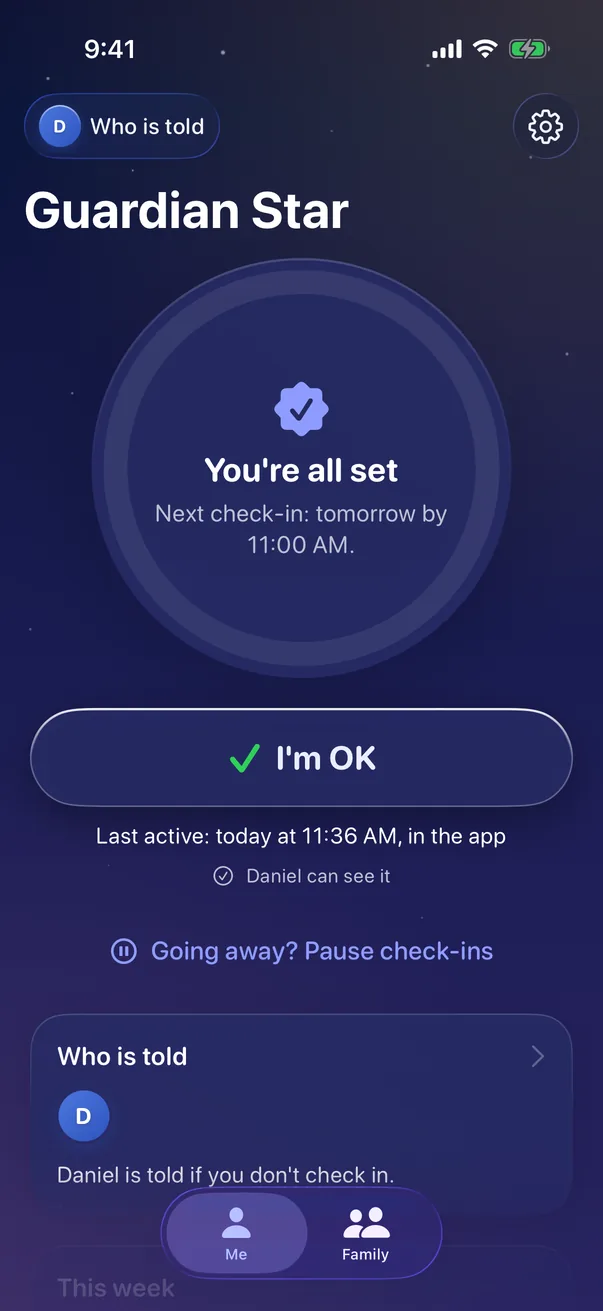
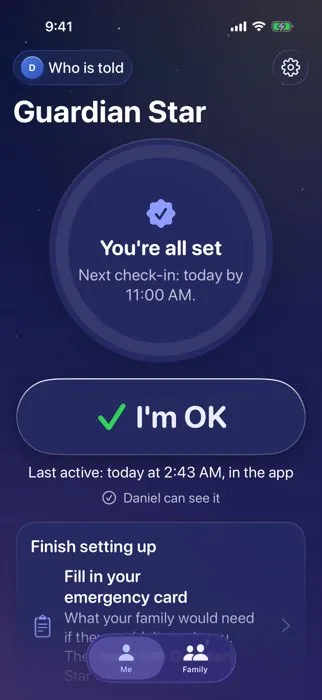
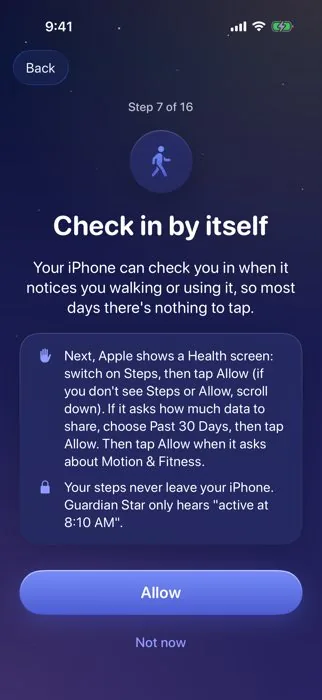
Guardian Star checks you in when your iPhone notices you're up and about in the hour before your check-in time: steps (from your iPhone or Apple Watch), moving around, or using your iPhone.
- Or tap I'm OK, use the widget, or ask Siri.
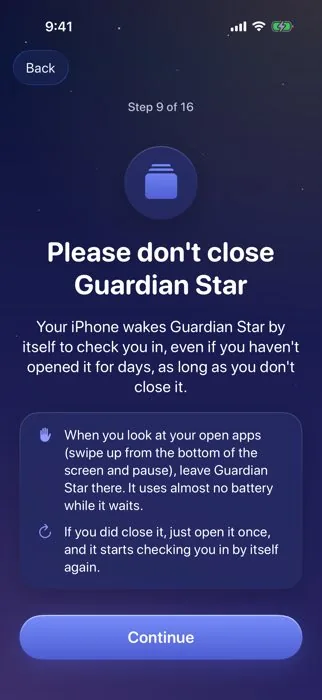
- Silent nudges in that hour let your iPhone look, even if you haven't opened Guardian Star in a while. Keep Background App Refresh on for it, and leave it in the app switcher.
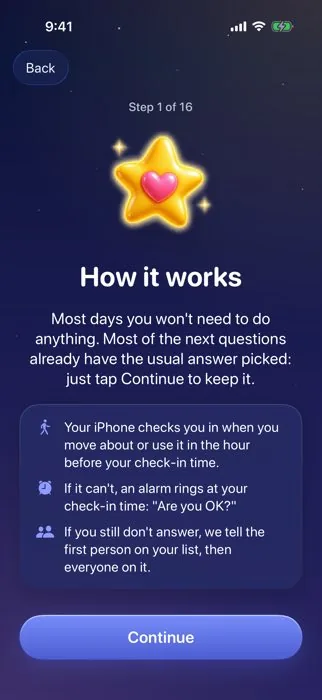
Please read
What Guardian Star can't do.
Guardian Star is a daily check-in. It helps you keep an eye out for each other, but it can't keep anyone safe on its own.
- Guardian Star is not an emergency service. It can't detect falls, injuries or illness, and it never calls 911.
- Alerts can be late or never arrive. It depends on iPhones, Apple, phone networks, the internet and our servers, and any of them can fail.
- Don't rely on it alone. Keep other ways of knowing someone is OK: calls, visits, neighbors, a medical alert button.
- In an emergency, call 911.
Guardian Star can't detect falls. If you wear an Apple Watch, turn on Apple's own Fall Detection: on your iPhone, the Watch app, then My Watch, then Emergency SOS, then Fall Detection, Always on. After a hard fall, if you don't respond, your Apple Watch calls 911 and texts the emergency contacts in your Medical ID (in the Health app): add your family there.
The “Are you OK?” alarm
If nothing has, it asks you first.
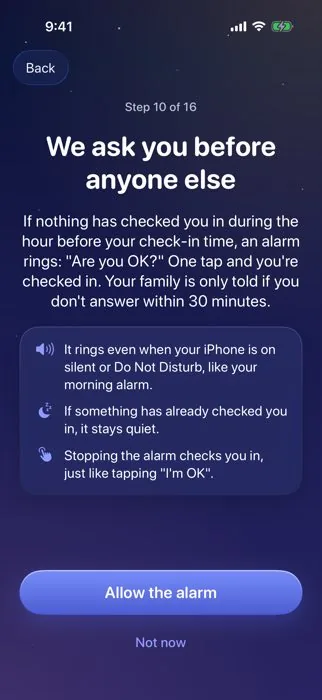
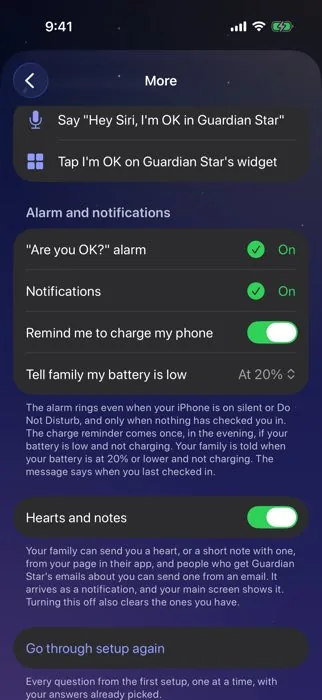
At your check-in time, if nothing has checked you in during the hour before it, your iPhone rings a gentle “Are you OK?” alarm, even on silent. One tap and you're done. Answering it, or even stopping it, counts.
- No needless worry: your people hear only if you don't answer, after the wait you chose.
Simple, your way
Widgets, Siri, and a pause button.
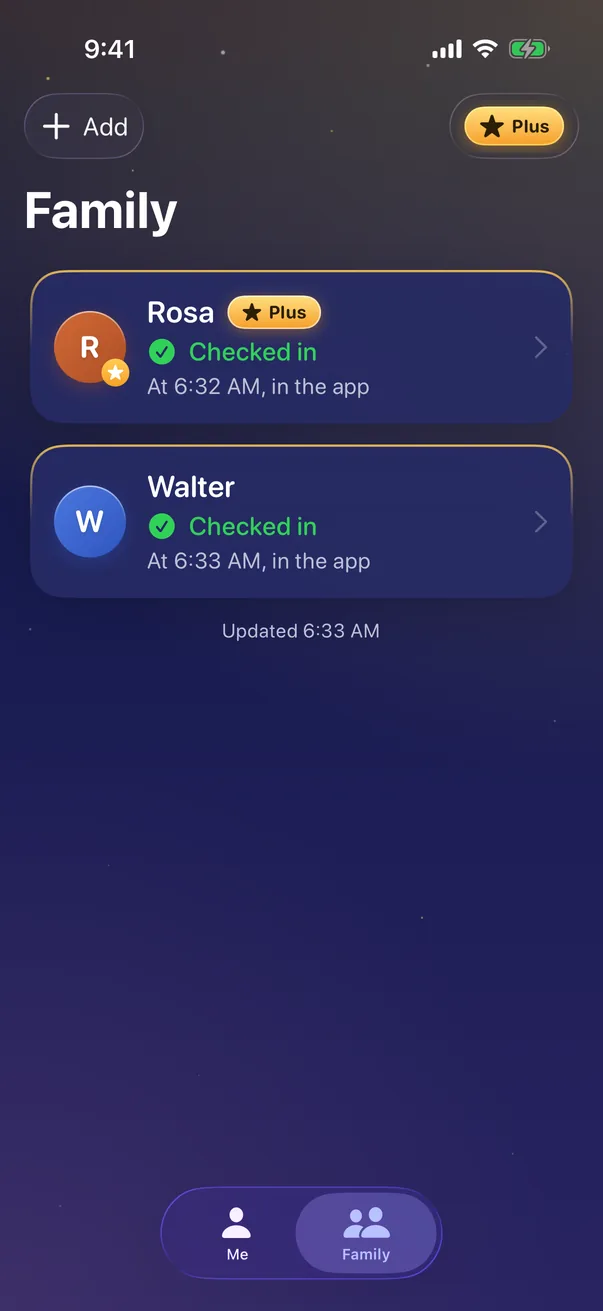
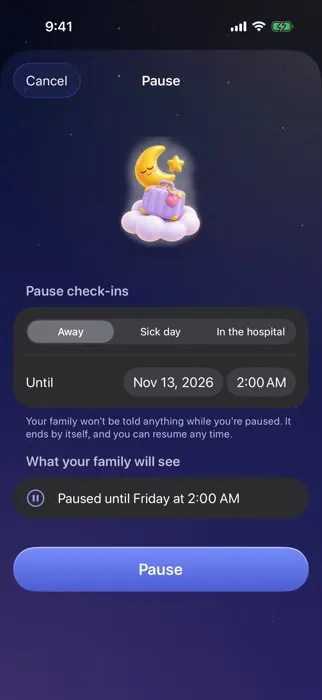
Ask Siri, “Is Sam OK in Guardian Star?” With Guardian Star Plus, see everyone you look out for at a glance on a Home Screen widget. Going away? Pause it, and your people are told until when.
- One, two or three check-ins a day, at your times, and a later time on the days you choose.
- Big, clear words, in Dark or Light.
- A new iPhone? Guardian Star offers to move your check-ins.
Privacy
Looking out, not watching.
Guardian Star only needs to know that you're up and about. Not where you are, and not what you do.
- No account, no password, no ads.
- Your steps and movement stay on your iPhone. Only when there was a sign of life, what kind it was and your battery level are sent. Guardian Star never uses your location.
- Phone numbers added for the Call button stay on that iPhone.
See a morning with Guardian Star
Try it for a morning.
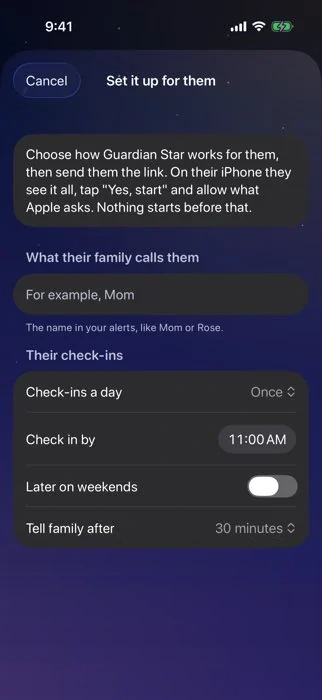
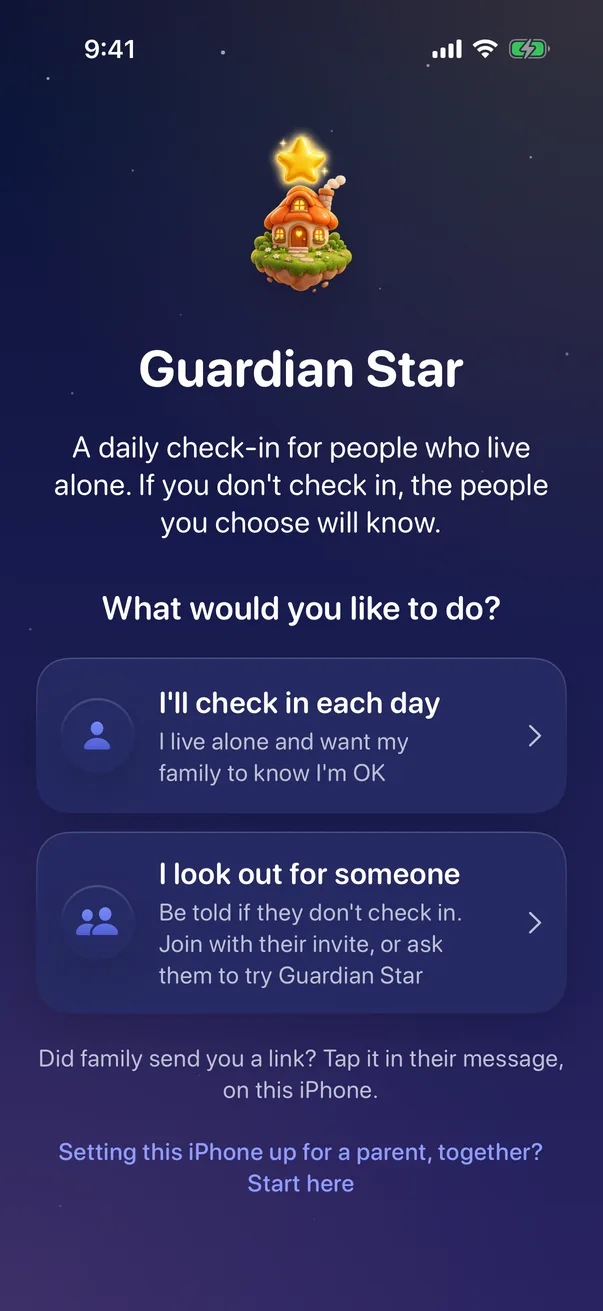
Set it up on your iPhone in five minutes, or set it up for someone from yours.
More of what it does
- If they don’t answer“Are you OK?” first, then who is told, and when.
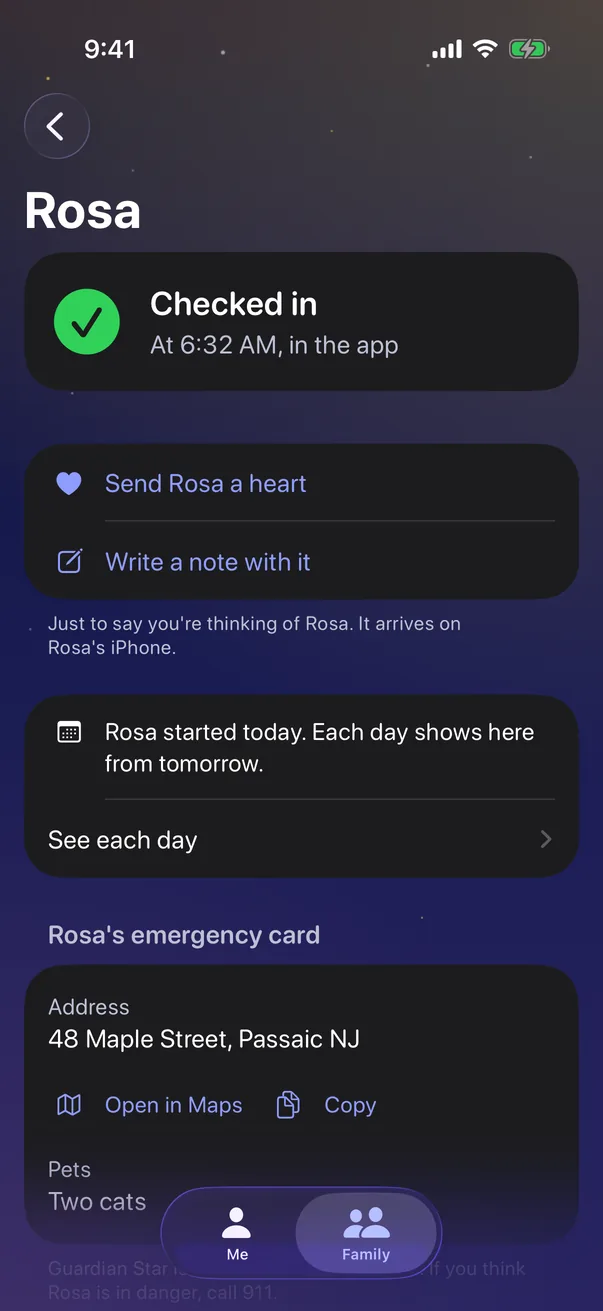
- For familyThe alert, “I’m on it”, the Lock Screen, hearts.
- Set it up for someoneOne link: they open it and say yes.
- The emergency cardTheir address, how to get in, who’s nearby. With Plus.
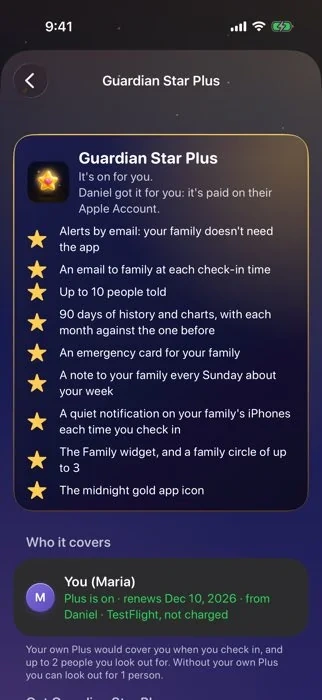
- Free and PlusWhat’s free, and what Plus adds.