For family and friends
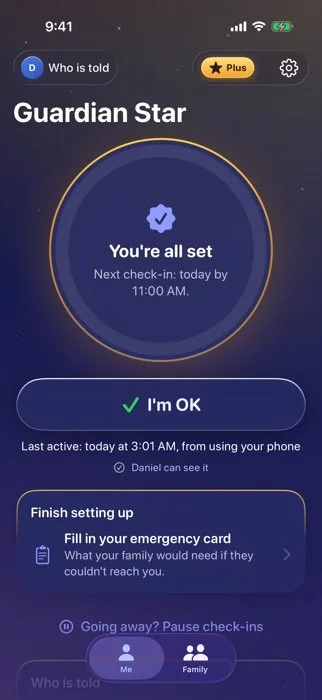
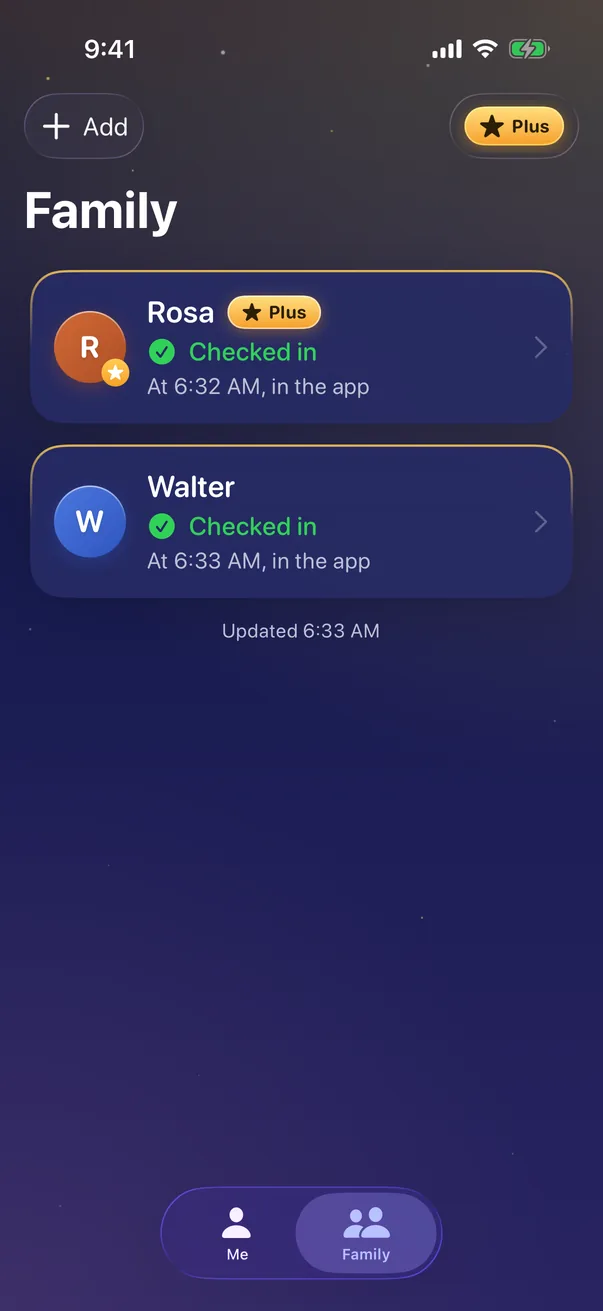
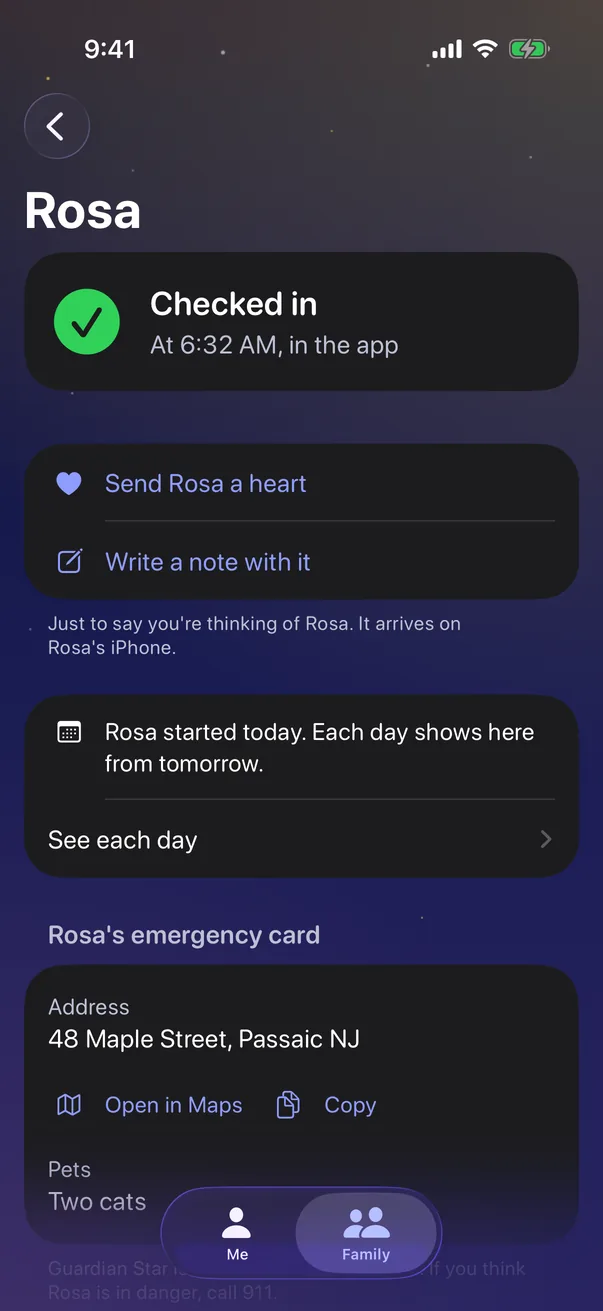
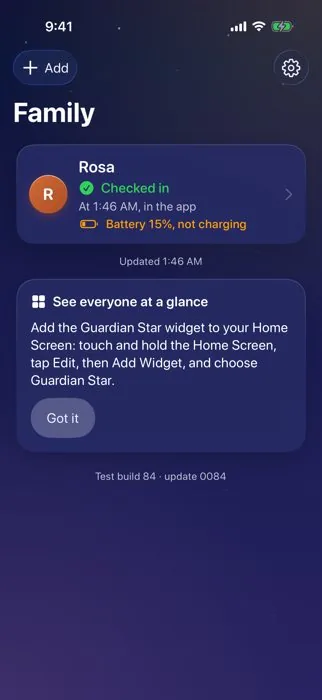
See at a glance that they've checked in.
Guardian Star shows whether they've checked in today. And on the rare day they haven't, it shows what's happening, and who's handling it.
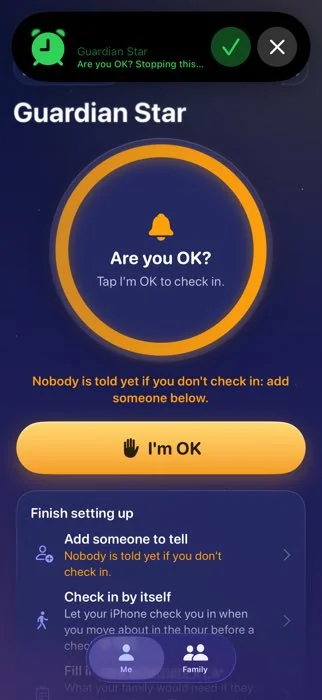
If they don't answer
One person first. Then everyone. Then urgent.
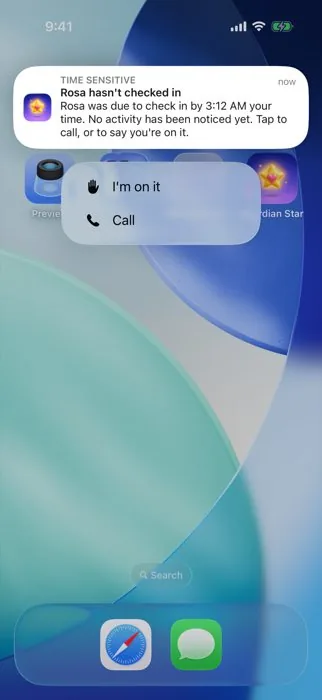
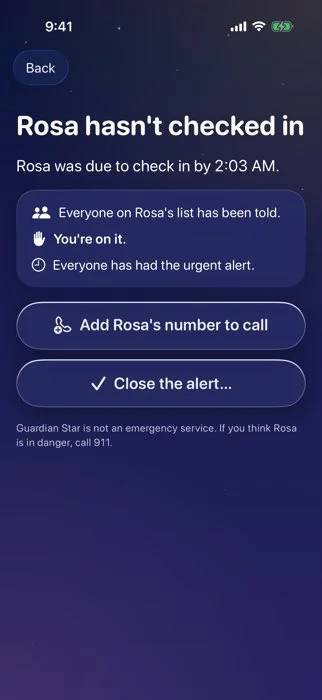
After the wait they chose (15 minutes to 2 hours), the first person on their list is told, with their last sign of life and their battery. An hour later, everyone else. Half an hour after that, everyone again, marked urgent.
- Whoever is calling them taps I'm on it: the steps to the others are held, and everyone who's told sees who's handling it.
- An hour later, the person on it is reminded to close the alert if all is well. Still open half an hour after that? The others are told.
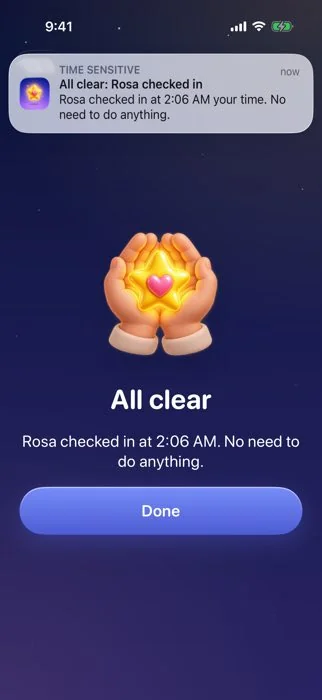
- They check in, or someone closes the alert: it all stops, and everyone who was told hears all is well.
- Try it any time: a test run shows everyone how an alert looks, in about two minutes, marked as a test.
Live on the Lock Screen
Follow it at a glance.
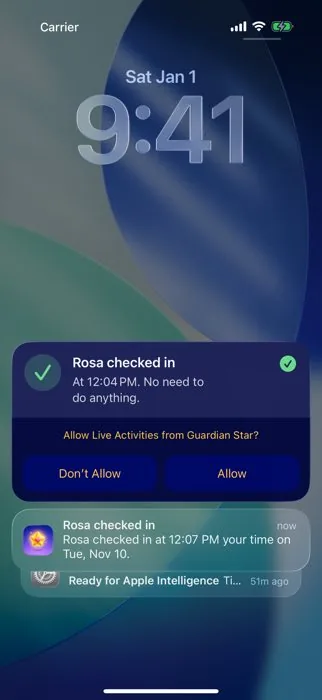
Open an alert in Guardian Star once, and a live tracker on your Lock Screen follows it: what happens next, when, and who's on it, to the all clear.
Battery warnings
Know before their phone dies.
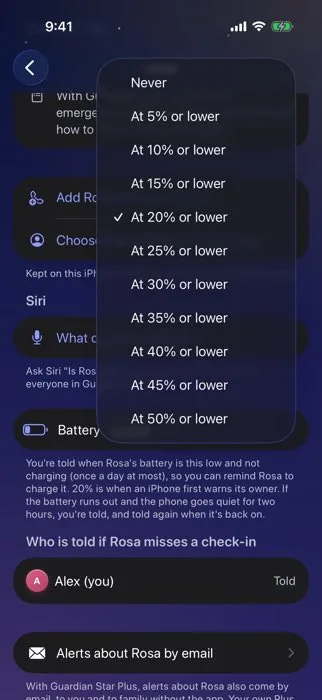
Choose the level, from 5% to 50%, at which you're told their battery is low, so you can call before it runs out. If their phone is nearly empty and then goes quiet, you hear it may have died, and again when it's back.
Staying close
A heart, a note, a good week.
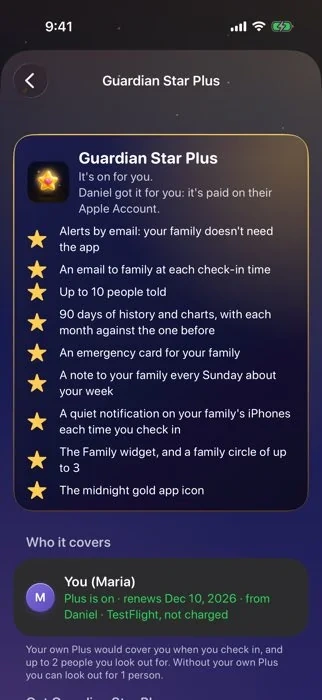
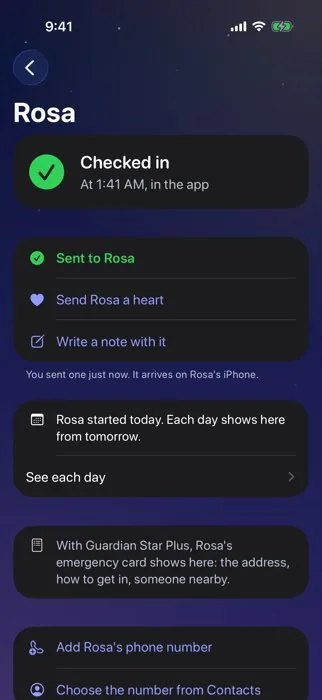
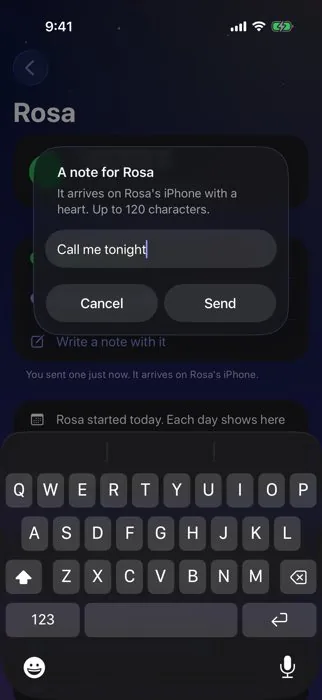
Send them a heart, with a short note if you like. At night, from 9 PM to 8 AM their time, it comes quietly, without a sound. And with Guardian Star Plus, a short note each Sunday tells you how their week went.
Free, for iPhone
Be the one who knows.
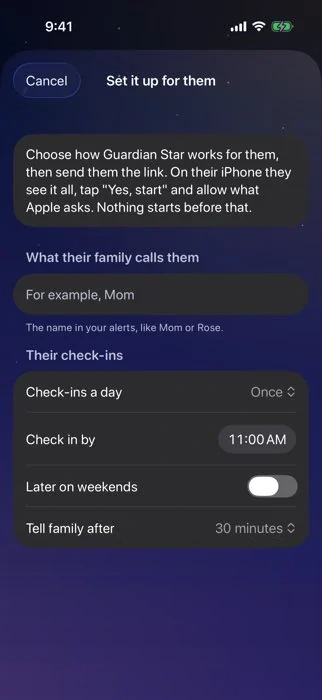
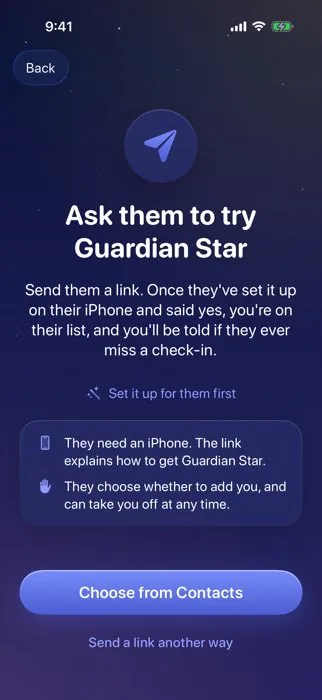
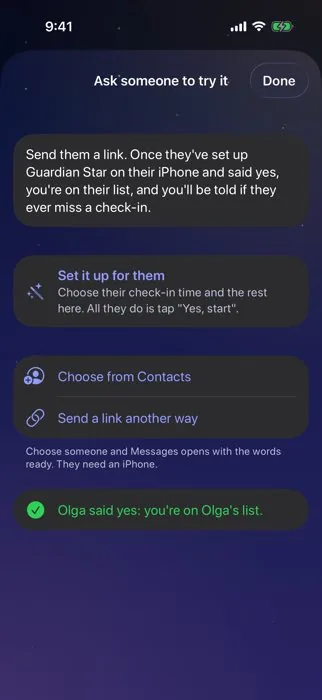
Set Guardian Star up for someone from your iPhone, and be first on their list.
More of what it does
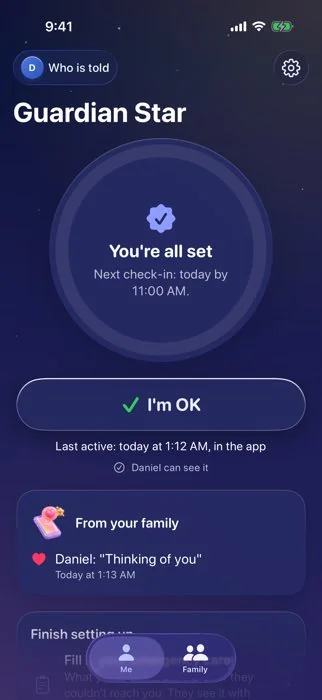
- The daily check-inBy itself most days: moving about, or using the iPhone.
- If they don’t answer“Are you OK?” first, then who is told, and when.
- Set it up for someoneOne link: they open it and say yes.
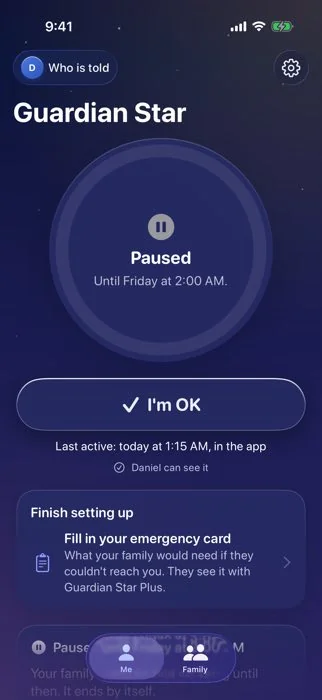
- Going awayPause check-ins, and say until when.
- The emergency cardTheir address, how to get in, who’s nearby. With Plus.
- Free and PlusWhat’s free, and what Plus adds.
- Looking out, not watchingNo account, no ads, never their location.